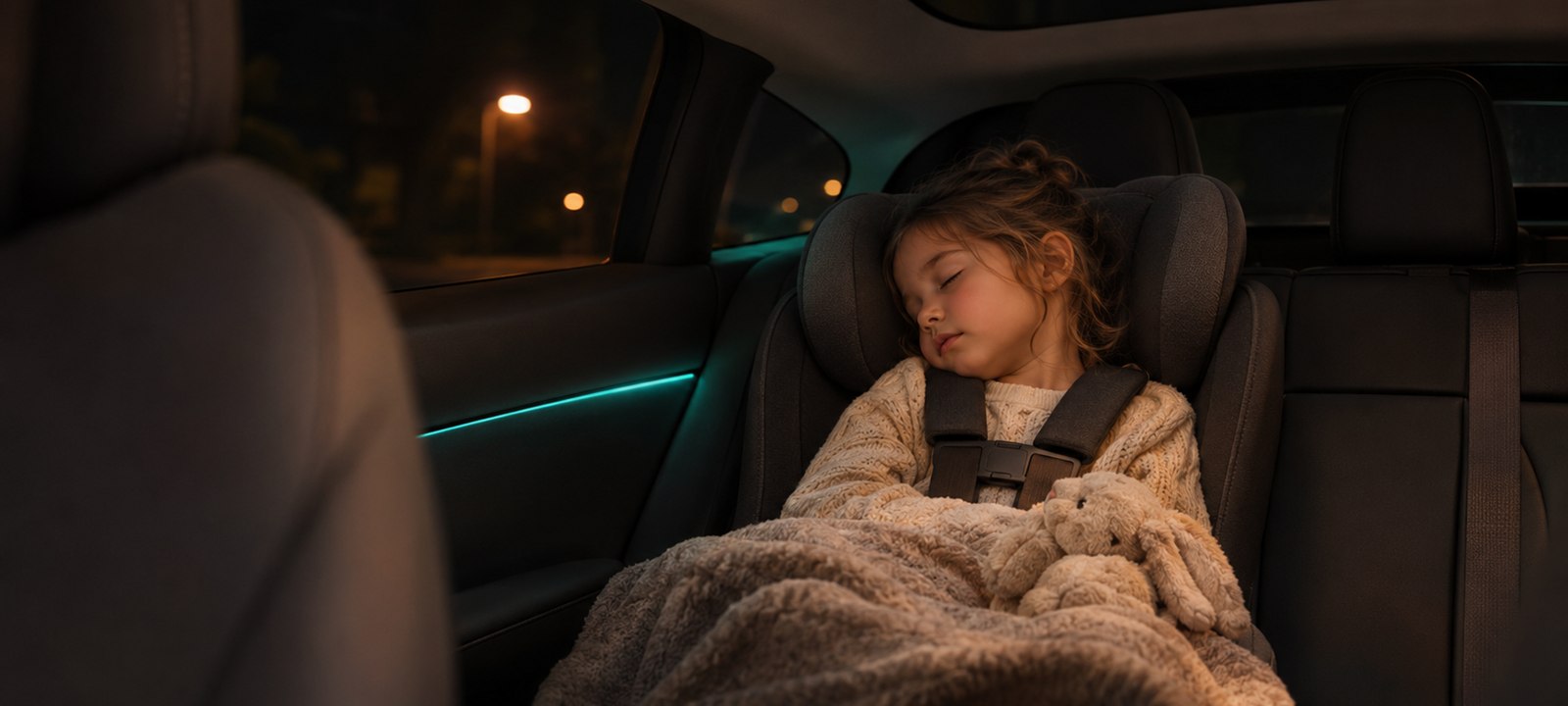
The kids have finally fallen asleep in the back. The road is quiet, the cabin is warm, and then the car chimes.
If that sounds familiar, Joe Mode is for you.
What Joe Mode does
Joe Mode turns down the volume of every chime that isn’t related to a critical safety issue. The car is quieter, so a sleeping passenger is less likely to wake.
What it doesn’t do, and one thing to know first
Tesla’s manual says critical safety chimes aren’t affected. Not a Tesla App lists forward collision warnings and the red take-over alert among the sounds that stay loud.
But Joe Mode can also quieten sounds you may rely on. The same guide says the parking sensor chimes, the turn signal and the blue “Pay attention to the road” reminder all get softer. If you use Autosteer or FSD (Supervised), keep watching the screen as well as listening.
How to turn it on
- On your touchscreen, open Controls.
- Go to Safety.
- Turn on Joe Mode.
Menus can move between software versions and models, so if you can’t see it, check the owner’s manual on your own car’s touchscreen.
Where the name came from
As the story is usually told, Joe Mode started with a request on Twitter (now X) in 2019. A Tesla owner named Joe asked whether the car’s chimes could be quieter, because they kept waking the children asleep in the back. (Some accounts say Joe was a friend of Musk’s instead.) Elon Musk replied that he hoped to get “Joe Mode” into the next big software release, and it arrived with Tesla’s Version 10 update later that year.
It’s a nice reminder that some of the best Tesla features started as one owner’s everyday problem.
When to use it
- Long drives with sleeping children or passengers
- Late-night drives home
- Calls or quiet conversations in the car
- Any time the chimes feel like too much
The quiet extra
While the car stays quiet, CAILO Connect is quietly doing its job too. Every trip is recorded automatically from the car, and every Tesla Supercharger stop is captured too. Start 7 days free.
Sources: Tesla Model Y Owner’s Manual, Touchscreen, and the 2019 origin story as reported by EVANNEX and Not a Tesla App.
Give your Tesla a logbook that writes itself
CAILO Connect captures every trip automatically. 7-day free trial on the 1-vehicle plan.
Start Free TrialGeneral information only, not tax, financial or legal advice. CAILO is not a registered tax agent, so speak to one before relying on this for a claim or return.