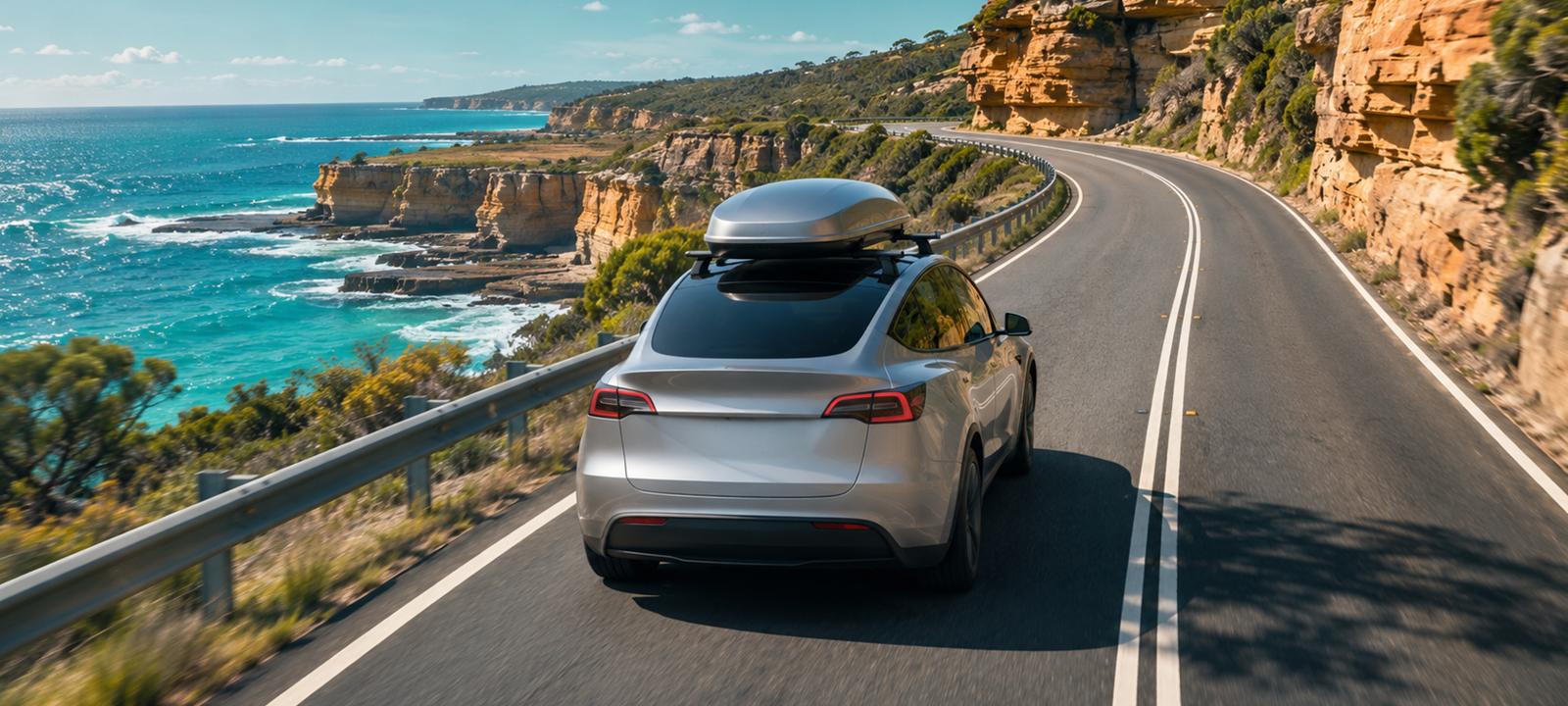
The car is packed. The kids, or the dog, or both, are in. The navigation has planned your charging stops.
Most of the time, that’s enough. But summer is when Australians take their EVs further than they ever have, on roads they don’t know, to chargers they’ve never used. Five minutes of checking before you leave can save an hour in a car park later.
Here’s the check we do.
The 5 minute check before you leave
1. Set the destination in the car. Tesla’s navigation plans Supercharger stops for you and estimates your battery on arrival. Start there, then look at the plan rather than just trusting it.
2. Look at each stop. Tap each planned Supercharger pin. Check how many stalls it has and how busy it is. If the site has a Site Map, open it to see the layout and which stalls are available, occupied or down. Not every site has one yet. Our weekly news round-up explains what Site Maps show and how to check you have them.
3. Check the operator for non-Tesla chargers. If a stop isn’t a Supercharger, check that network’s own app for its current status, and look for a recent check-in from another driver. Charging maps can lag reality: in October, one Australian charging dataset found 26 open sites it had been missing.
4. Pick a backup for every long leg. For each stretch between chargers, know where you’d go if your planned charger is down or busy. A backup only counts if you can reach it with the battery you’ll actually have.
5. Leave yourself a buffer. Speed, heat, headwinds, hills, a roof box or a full boot all use more energy than the estimate assumes. Arrive with more than you think you need, especially on regional legs.
Know the long legs before you go
Some Australian routes are well covered now. Others still have stretches that need a plan.
- Brisbane to Cairns: the longest gap between fast chargers is now 135 km, between Marlborough and Carmila, after a new site at Ingham closed a 146 km gap.
- Darwin to Adelaide: the longest stretch is Katherine to Tennant Creek, 668 km by road. That’s a leg to plan around your own car’s range and conditions, with a clear backup.
These figures come from EV Roadside’s October 2026 update. Check the latest before you go: networks change month to month.
Pack for charging, not just for the trip
- The charging cable and adapters your car came with, so you can plug in at a powered site or a friend’s place
- Any apps or cards you need for the non-Tesla networks on your route, set up before you’re out of mobile coverage
- A phone charger and a car mount, because your phone becomes your backup map
- Water and shade for longer stops in the heat
If you’ll stay overnight, ask the accommodation whether you can charge there, and what it costs. A slow overnight charge can take the pressure off the next day.
Make the stops part of the trip
The best charging stop isn’t always the one with the most stalls. On a long drive, it’s the one with toilets, food, shade, safe access at night and something worth doing for half an hour. Pick stops you’d be happy to spend time at, and the charging takes care of itself.
Camping in your Tesla
Plenty of owners sleep in their Model Y on road trips. A few things to keep in mind:
- Camp Mode keeps the cabin climate running while you sleep. How much battery it uses depends on the weather and your car, so arrive at camp with plenty to spare.
- Check the campsite’s rules about sleeping in vehicles and using power.
- Don’t rely on unofficial vehicle-to-load adapters for essential power. Owners have reported that some stopped working after software updates (we covered it in our Halloween round-up).
Share the trip, not where you’re sleeping
Road-trip photos are half the fun. Share them once you’ve moved on, and leave out where you’re parked or staying tonight. Your car, your family and your belongings are better off when only you know where they are.
After the trip: keep the record
A long drive leaves more behind than kilometres. There’s the route, the charging stops, what each one cost and the receipts from along the way.
Your Tesla records every trip and charge itself. CAILO Connect keeps that record for you:
- Every trip, with distance and route, recorded from the car. There’s no app to start and nothing to remember.
- Home charging costed at your own peak and off-peak rates, and Supercharger sessions as Tesla billed them.
- Receipt photos added to a trip or a charge, for accommodation or non-Tesla charging.
- If any of the trip was for work, mark those trips as business.
So when you get home, the whole trip is there: where you went, what it cost and the receipts to go with it.
Where would you go?
We’re putting together our first CAILO Connect road-trip guides for specific routes, and we’d love your help choosing where to start. If you had seven days and one Tesla, which Australian route would you take? Tell us on our Facebook page.
Keep the record of every trip
CAILO Connect records every trip and charge from the car itself, so the numbers are there when you get home.
Start Free TrialGeneral information only, not tax, financial or legal advice. CAILO is not a registered tax agent, so speak to one before relying on this for a claim or return.